

As an author, you already earn every time a reader buys your book. But your earnings don't have to stop there.
With AfricaRead referrals, you earn a commission when the authors and readers you invite get started. To find your referral link, open your author dashboard and select Referrals. Copy your link or share it with your contacts, then track your earnings and withdraw them from your wallet.
Watch the short video, or follow the steps below.
How referrals work
Every AfricaRead account comes with a personal referral code and link. Invite other authors and readers to join, and you earn a commission when they get started.
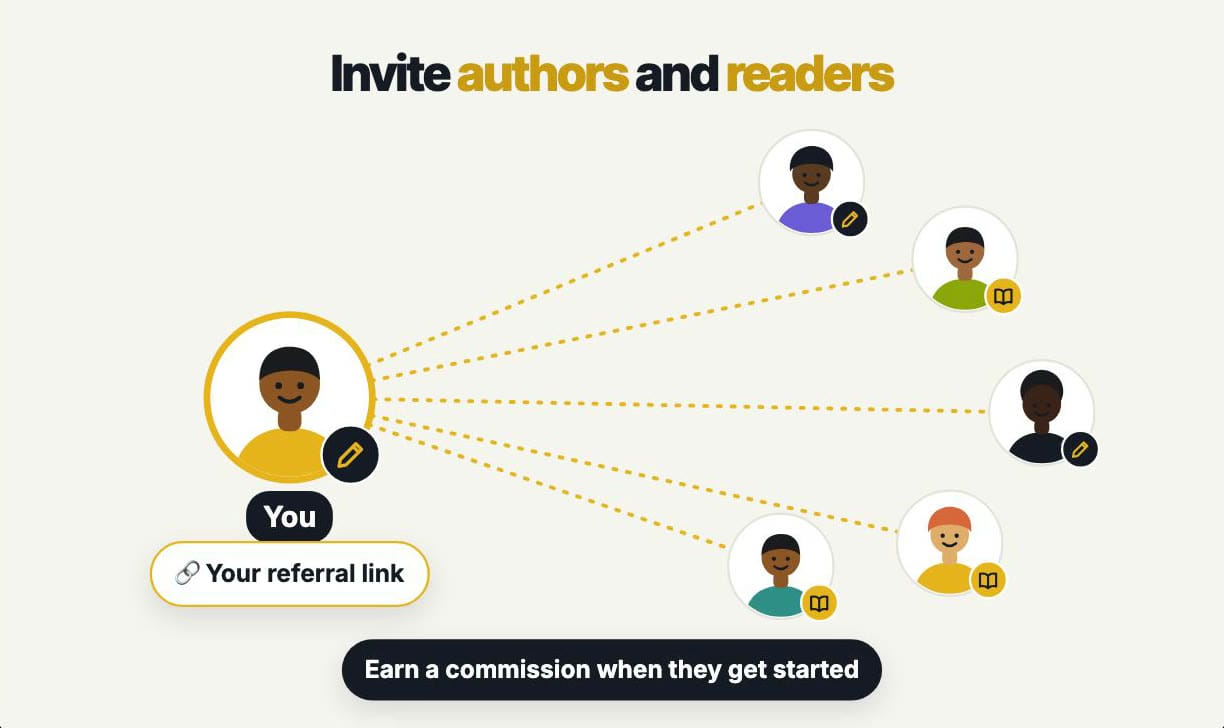
These are the current rates:
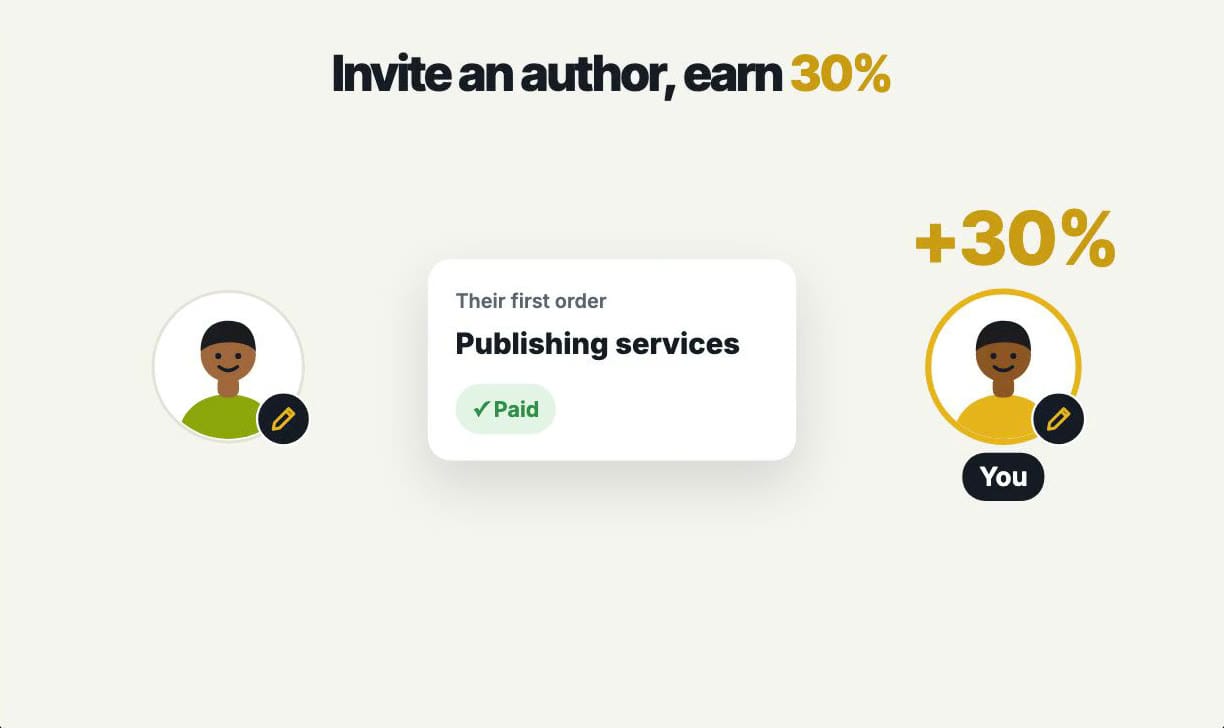
- Invite an author, earn 30%. When an author you invite pays for publishing services for the first time, you earn 30% commission.
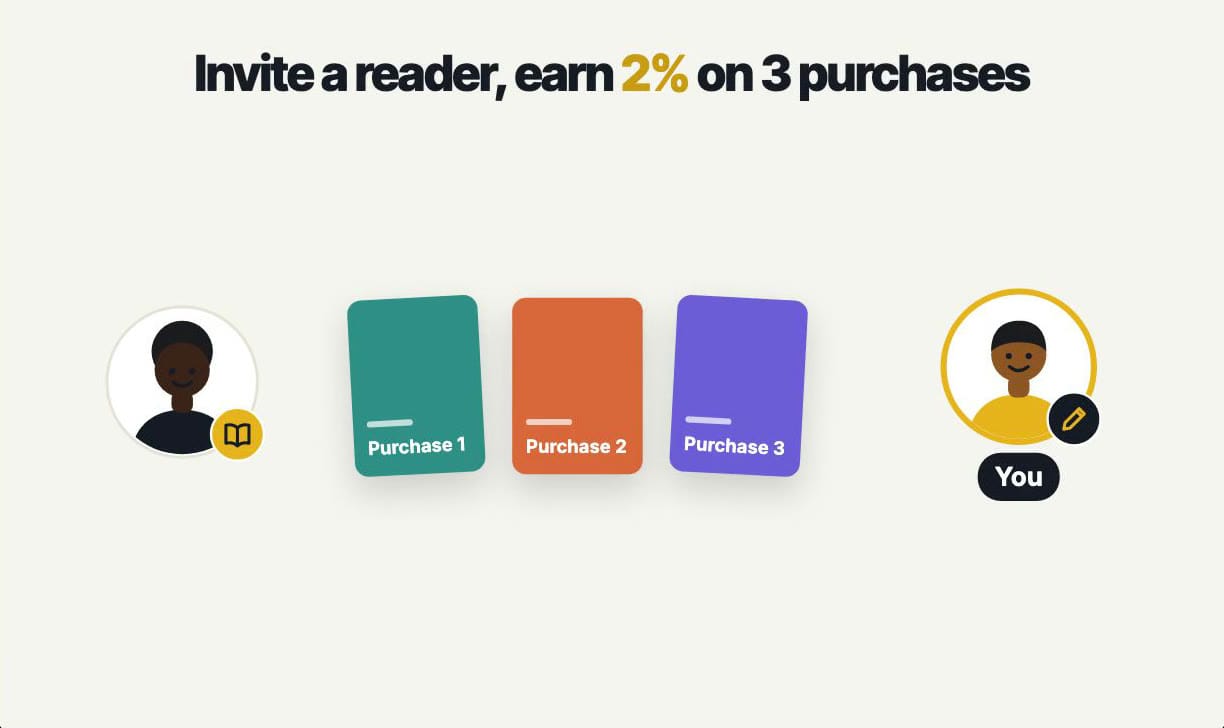
- Invite a reader, earn 2% on 3 purchases. When a reader you invite buys books, you earn 2% on each of their first three purchases.
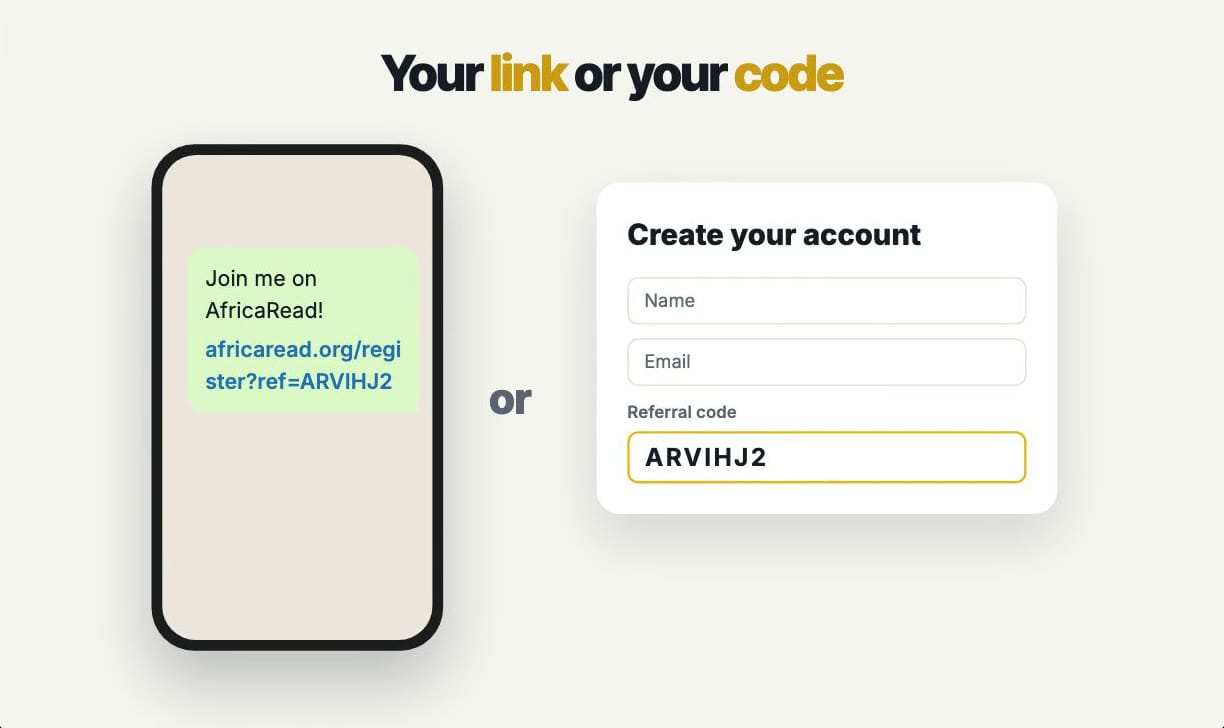
Friends can join in two ways: through your link, or by entering your code when they sign up. A click on your link is remembered for 30 days, so it still counts if they sign up a few days later.
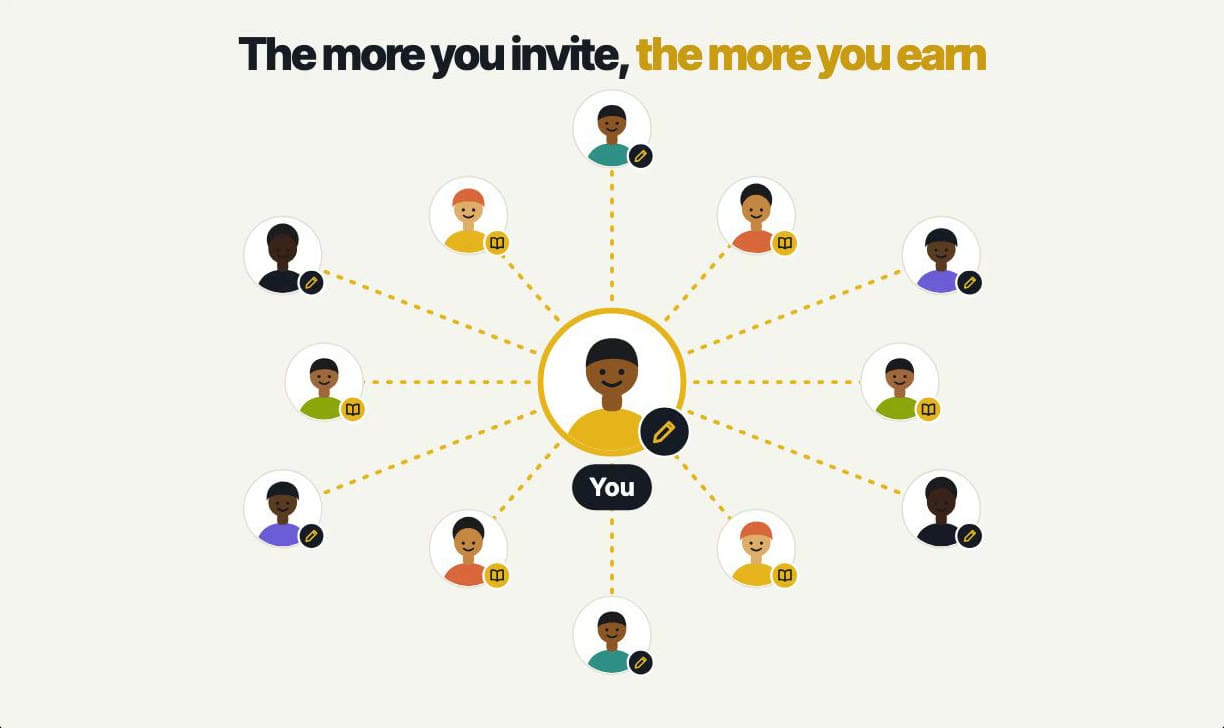
The more people you invite, the more you can earn.
Step 1: Open Referrals in your author dashboard
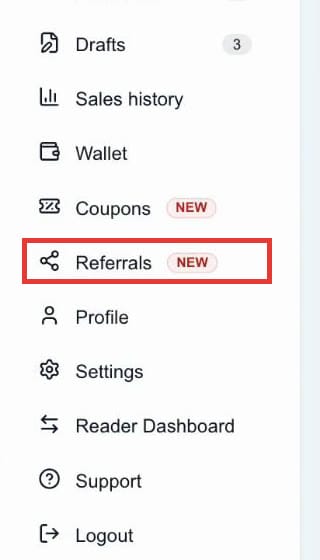
Sign in at africaread.org, open your author dashboard, and select Referrals in the menu.
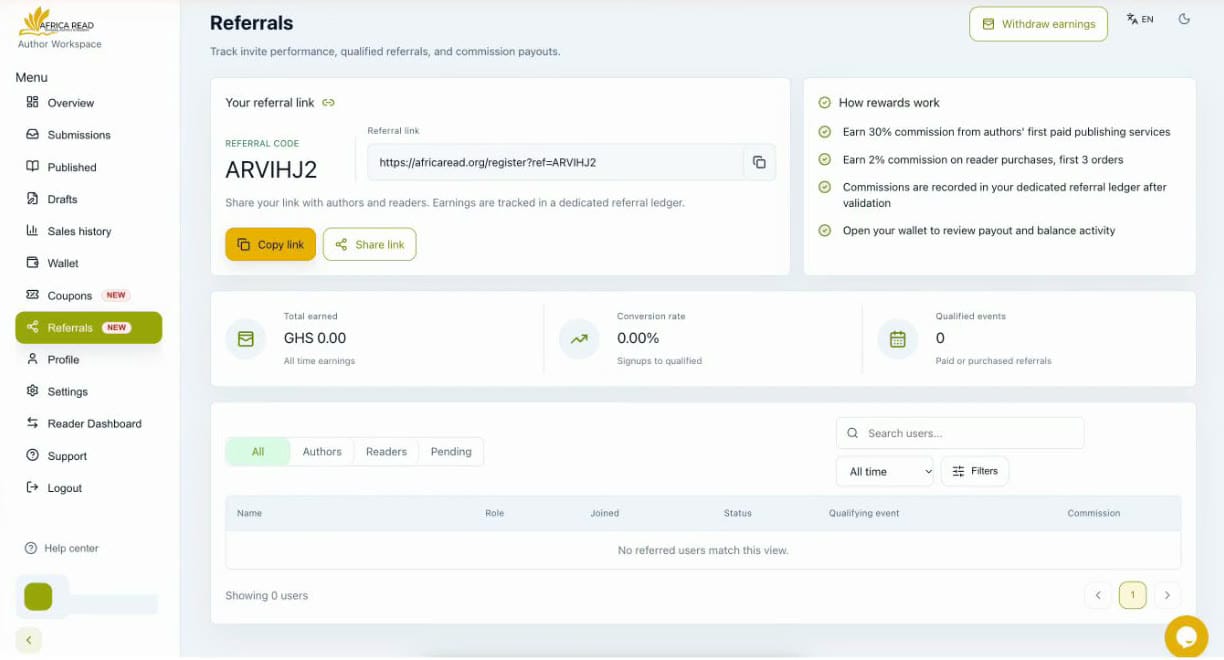
The Referrals page has everything in one place: your link, your earnings, and the people you've invited.
Step 2: Find your referral code and link
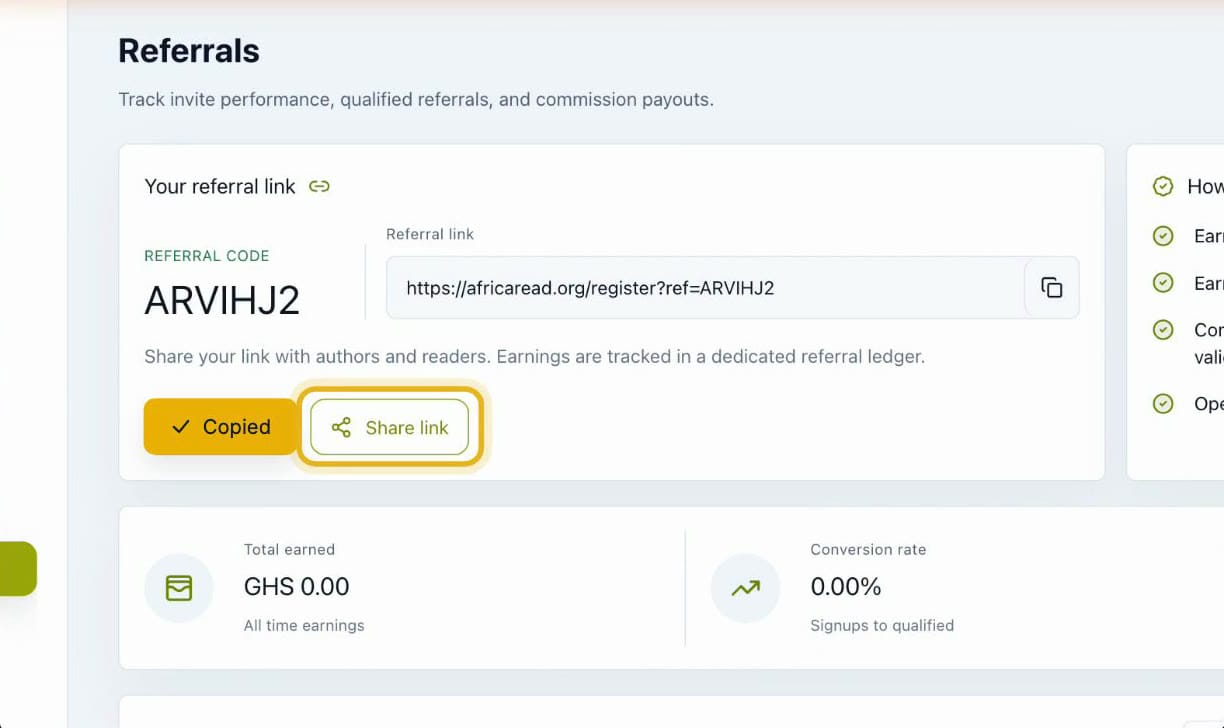
At the top of the page, you'll see your personal referral code and your referral link. The link looks like this: africaread.org/register?ref=YOURCODE.
Step 3: Copy or share your link
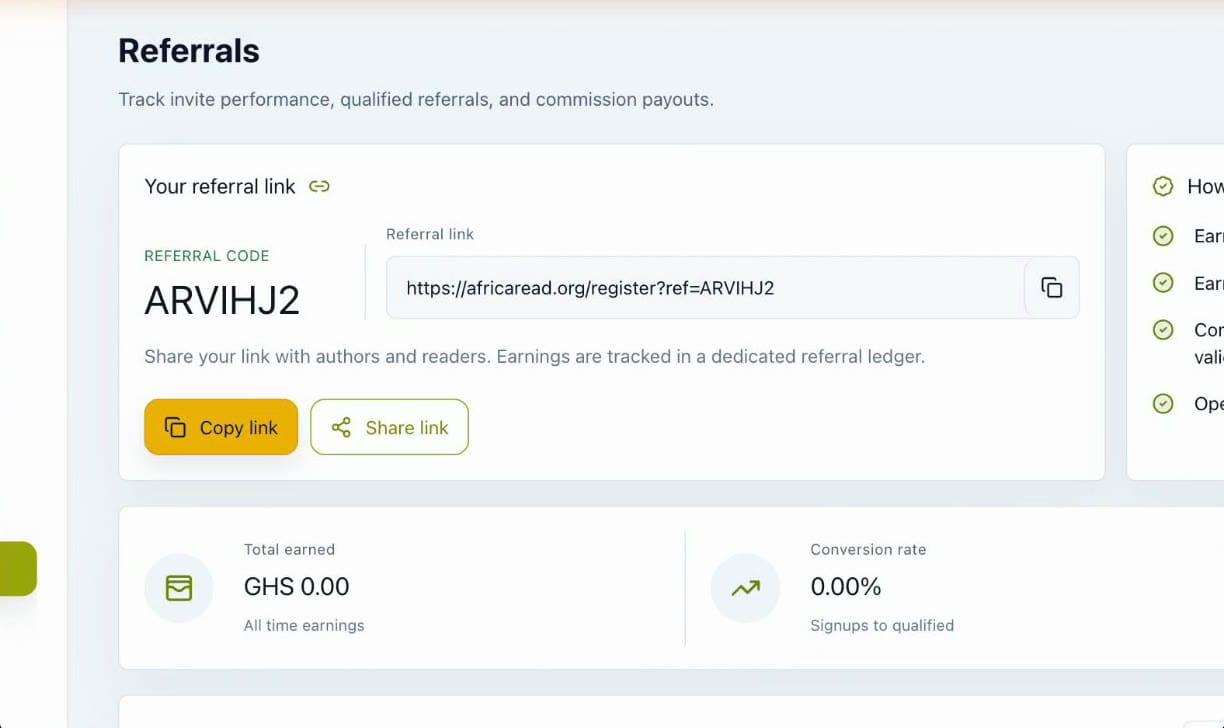
Select Copy link to paste it anywhere, or Share link to send it straight to your contacts using your device's sharing options.
Step 4: Track your referrals and earnings
As people join, track your referrals and earnings right here. You'll see your Total earned, your Conversion rate (sign-ups that went on to qualify), your Qualified events, and a list of the people you've referred. Filter it by authors, readers or pending referrals.
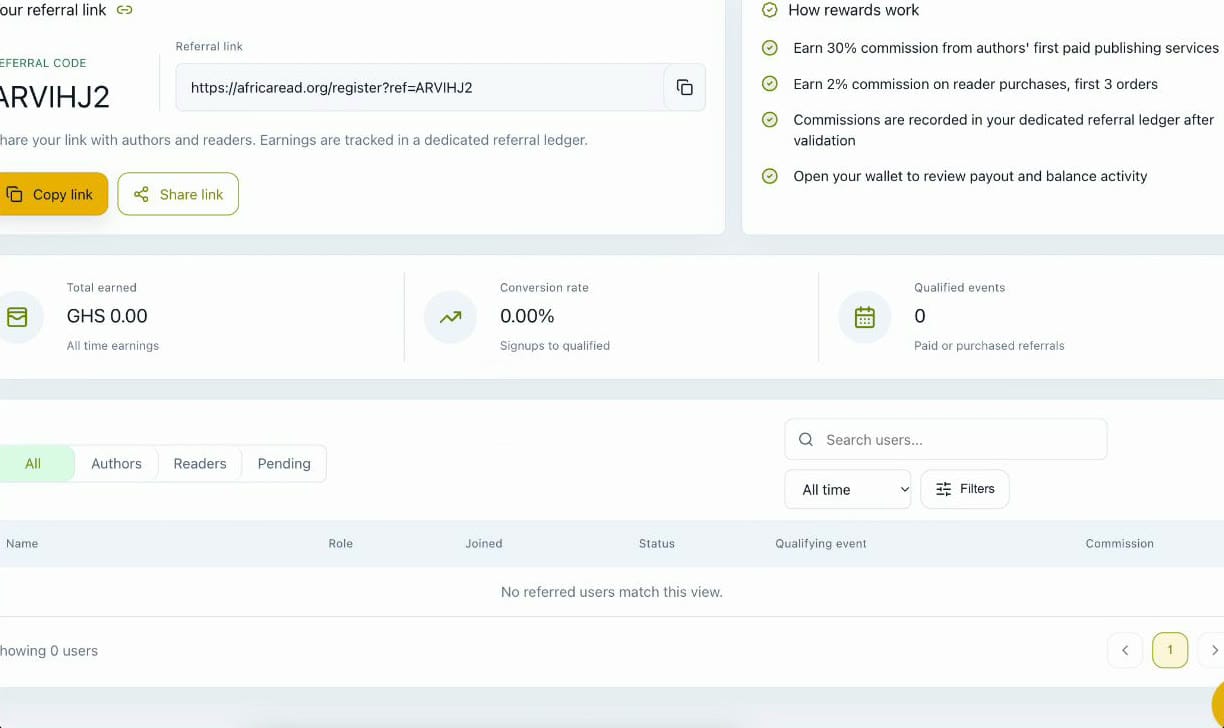
Commissions are recorded in your referral ledger once they've been validated.
Step 5: Withdraw your earnings
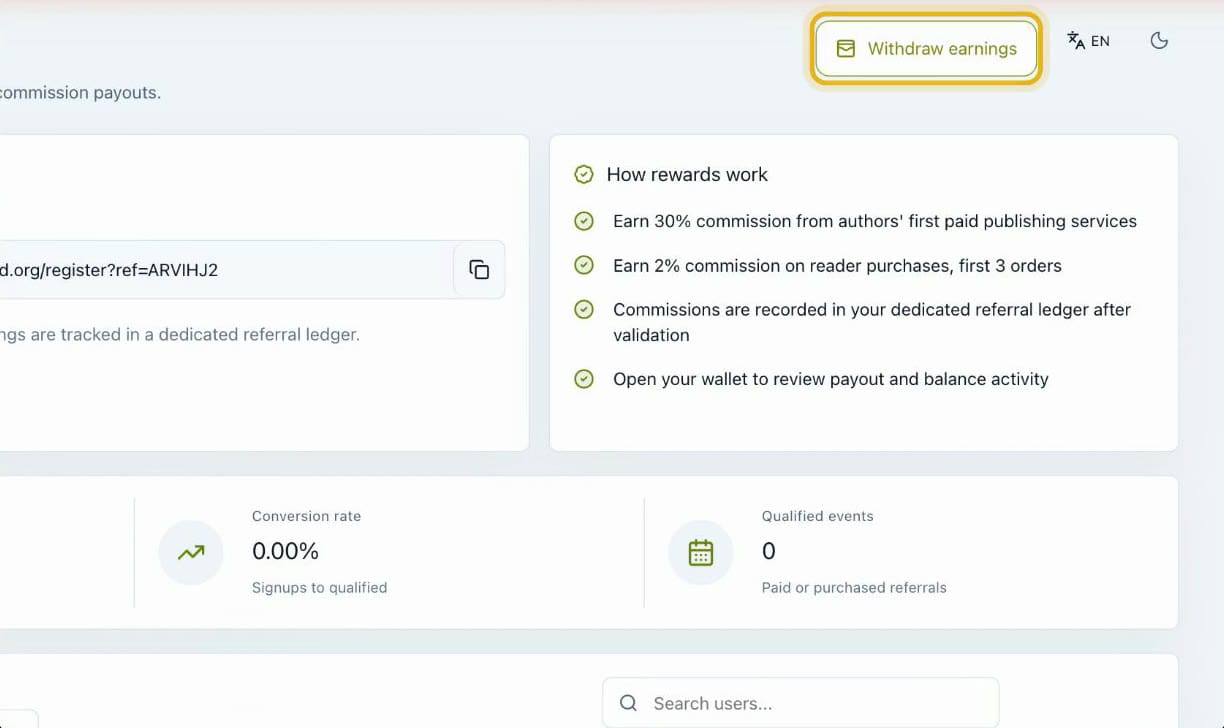
When you're ready, select Withdraw earnings at the top of the Referrals page to cash out from your wallet.
Where to share your referral link
- Writing groups and author communities. Fellow writers who want to publish are the authors most likely to join through you.
- Status updates and group chats. Friends and family who love to read can sign up as readers.
- Social media. Add your link when you post about your own book. Here's how to share your book with readers using its ready-made flyers.
- Alongside a coupon. Send new readers a discount on your book with your link. Here's how to create a coupon for your book.
Tips for getting more from referrals
- Say why you like AfricaRead. A personal note works better than a bare link.
- Tell authors that publishing is free. It's an easy first step for anyone with a manuscript.
- Share your code where links don't work. Friends can type it into the sign-up form.
- Check your Referrals page. See who has joined and which invitations are turning into earnings.
Frequently asked questions
How do referrals work on AfricaRead?
Every AfricaRead account has a personal referral code and link. When the authors and readers you invite join and get started, you earn a commission.
How much can I earn from referrals?
At the current rates, you earn 30% when an author you invite pays for publishing services for the first time, and 2% on each of the first three purchases of a reader you invite.
Where do I find my referral link?
Open your author dashboard and select Referrals. Your referral code and link are at the top of the page, with buttons to copy or share the link.
Do my friends have to use my link?
No. They can also enter your referral code in the sign-up form. If they use your link, it's remembered for 30 days, so a sign-up within 30 days still counts.
How do I withdraw my referral earnings?
Select Withdraw earnings on the Referrals page to cash out from your wallet.
Haven't published your book yet?
Publishing on AfricaRead is free. Read our guide on how to self-publish your book on AfricaRead, then come back to start inviting authors and readers.
Start inviting today
AfricaRead: Bridging authors and readers.
- Website: africaread.org
- iPhone and iPad: Download AfricaRead on the App Store
- Android: Get AfricaRead on Google Play
Follow us for more author tips and tutorials: